Kingdom CasinoLog In
Access your account securely. Log in to play, claim bonuses, and manage your balance—anywhere, anytime.
- ✓Encrypted connection
- ✓Same login on desktop & mobile
- ✓24/7 account access
Welcome back
Sign in to continue
How to Log In to Kingdom Casino
Follow this step-by-step guide to access your Kingdom Casino account securely.
Visit Kingdom Casino
Go to the Kingdom Casino website or use the login form above on this page.
Enter your email
Type your registered email address in the email field.
Enter your password
Type your password in the password field. Check that Caps Lock is off.
Click Log In
Press the Log In button to access your account.
Complete 2FA if enabled
If two-factor authentication is enabled, complete the verification step.
How to Create a Kingdom Casino Account
New to Kingdom Casino? Creating an account is quick and easy. Complete registration to start playing and claim the welcome bonus.
Click Create Account
Click the Create Account or Sign Up button to begin registration.
Enter your details
Provide your email, username, and a secure password. Use a strong, unique password.
Personal information
Enter your date of birth, address, and other required details for verification.
Confirm age & terms
Confirm you are 18 or older and accept the terms and conditions.
Verify your email
Check your inbox and click the verification link sent by Kingdom Casino.
Deposit & claim bonus
Log in and make your first deposit to claim the welcome bonus.

Kingdom Casino Mobile Login
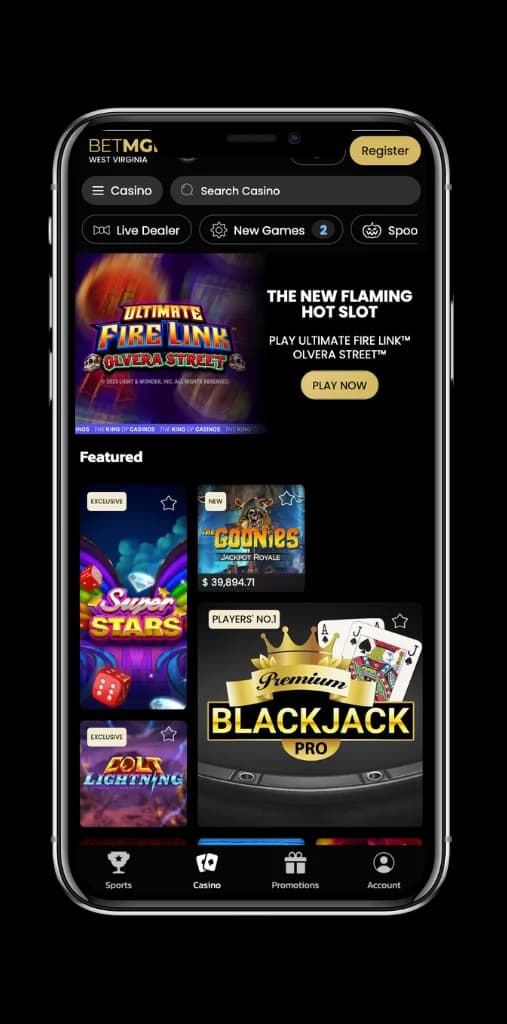
Kingdom Casino offers full mobile access on iOS and Android. Log in via your mobile browser or download the Kingdom Casino app for faster access. Your login credentials work across all devices—desktop, tablet, and phone—so you can play on the go with secure mobile access.
- ✓ Same email and password on all devices
- ✓ Optional app for iOS and Android
- ✓ Responsive design for any screen size
Kingdom Casino Login Problems & Solutions
Having trouble logging in? Here are common issues and how to fix them.
Check your internet connection and try again. Use a different browser (Chrome, Firefox, Safari) or clear cache and cookies. Ensure you're using the correct Kingdom Casino URL and that your region is supported.
Use the Forgot password link to reset your password. Verify that Caps Lock is off and you're entering the correct email address. Check for typos—email and password are case-sensitive.
Complete any pending KYC verification by uploading the requested documents. Contact Kingdom Casino support with your registered email if your account was locked for security reasons. Support typically responds within 24–48 hours.
Check your spam and junk folders. Add Kingdom Casino to your safe senders list. Wait a few minutes—emails can be delayed. If you still don't receive it, contact support to resend or use an alternative verification method.
If you forget your Kingdom Casino password, follow these steps to reset it:
- Click Forgot password? on the login page (or use the link in the form above).
- Enter the email address associated with your Kingdom Casino account.
- Check your inbox for a password reset link from Kingdom Casino.
- Click the link and create a new strong password. Use a mix of letters, numbers, and symbols.
- Log in with your new password. You may need to verify your identity if prompted.
If you don't receive the email, check your spam folder or contact Kingdom Casino support for assistance.
Ready to Log In?
Use the form at the top to access your Kingdom Casino account.